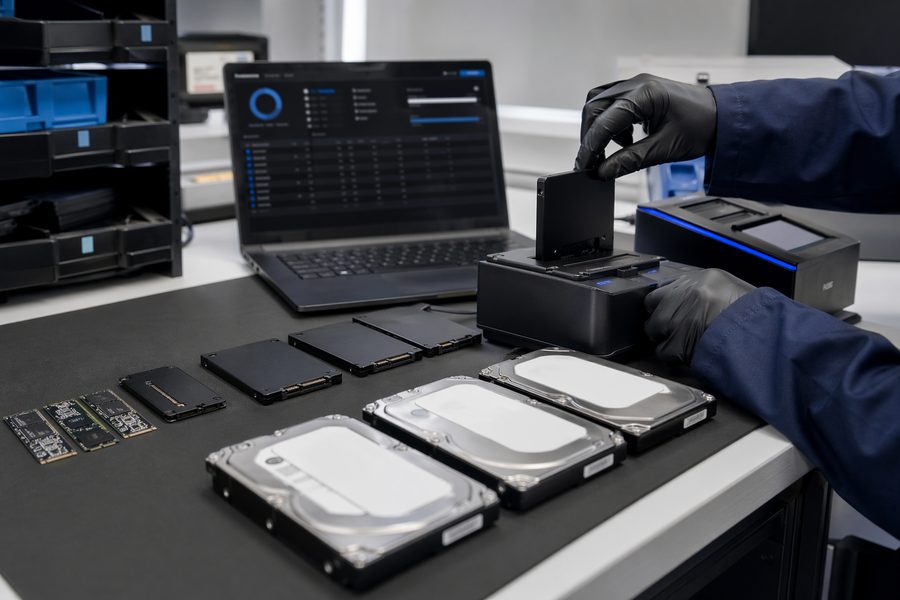
Common Data Erasure Pitfalls (and Practical Fixes)
Erase methods, storage, and standards
When companies dispose of devices, it’s easy to assume “we did the right thing.” But incomplete erasure can leave customer data or sensitive information recoverable—creating legal exposure and reputational damage.
Below are common pitfalls and practical fixes in a Q&A format.
Q: If we physically destroy a drive, there’s no risk—right?
A: Not always. Logical sanitization matters too.
“Just drill a hole” or “just smash it” can still leave recoverable fragments depending on how destruction is performed. For high-risk assets, combine controlled destruction with validated erasure methods and proper documentation.
Q: A factory reset on a phone erases everything—right?
A: It may not be sufficient for high-sensitivity data.
Resets can remove access paths without securely overwriting all remnants in every scenario. If you need higher assurance, use dedicated sanitization tools and (when required) produce proof of erasure.
Q: We forgot to clean up cloud data, but that’s not a big deal…
A: Cloud data should be part of the disposal checklist.
Photos, backups, app data, and credentials may persist in cloud accounts even after a device reset. Confirm account-level deletion where appropriate.
Q: We erased devices, so we don’t need certificates or logs—right?
A: Lack of evidence can become a compliance and audit problem.
Without records, it’s difficult to prove sanitization during audits or investigations. Use tools that provide logs and certificates.
Summary
By avoiding these mistakes—validated erasure, cloud cleanup, and evidence—you significantly reduce the risk of recoverable data and compliance issues.
If you need to erase devices at scale and keep proof, check:
https://www.masamune.com/